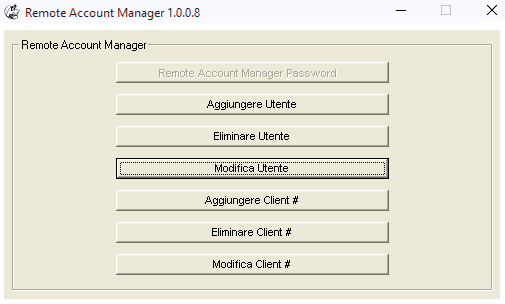
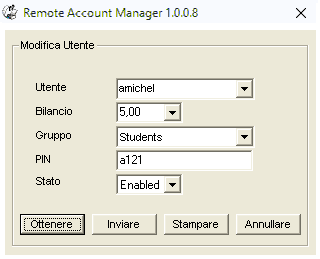
Demo in linea -- Account Manager Remoto

Remote Account Manager gestire conti in remoto.
Fase 1. Fare doppio clic su "Remote Account Manager.msi" per installarlo.
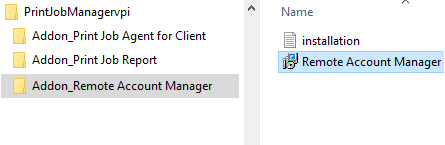
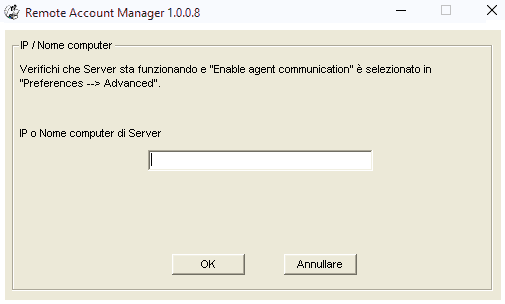
Fase 2. Fare clic su Start -> Tutti i programmi -> Remote Account Manager -> Remote Account Manager per eseguirlo. Inserire il nome del computer o l'indirizzo IP del computer che ha "Print Job Manager" installato.
Fase 3. Fare clic su "Remote Account Manager Password" per inserire la password. La password è impostato in "Print Job Manager" Preferences -> Print Jobs -> Remote Account Manager password.
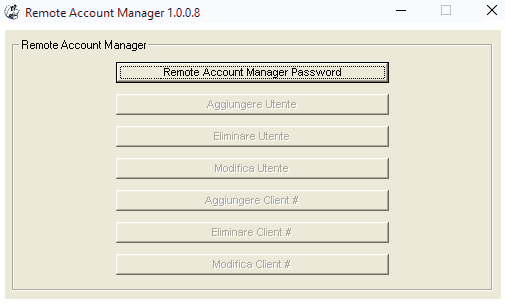
Fase 4. Fare clic sul pulsante "Modifica Utente" per aggiornare informazioni di un utente.