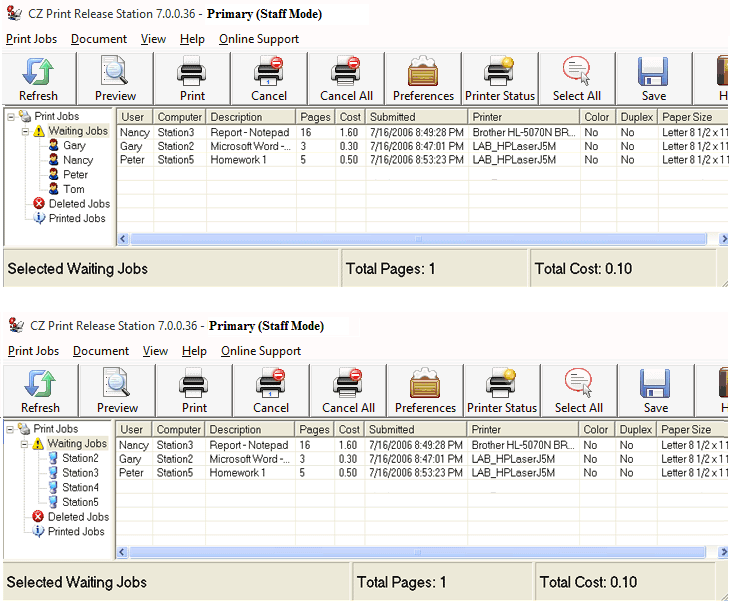
Online Demo -- Print Release Station Staff Mode
Scenario
1. A user sends a print job from a workstation.
2. Print Release Station holds the print job with detail print job information.
3. The staff collects the payment and releases the print job for the user. The print job record is audited and saved in the database.
Tip: All unclaimed waiting jobs can be automatically deleted at the defined time in Preferences --> Print Jobs.
Tip: The Waiting Jobs can be shown either by workstation name or username. It can be set in “Preferences --> Print Jobs”.